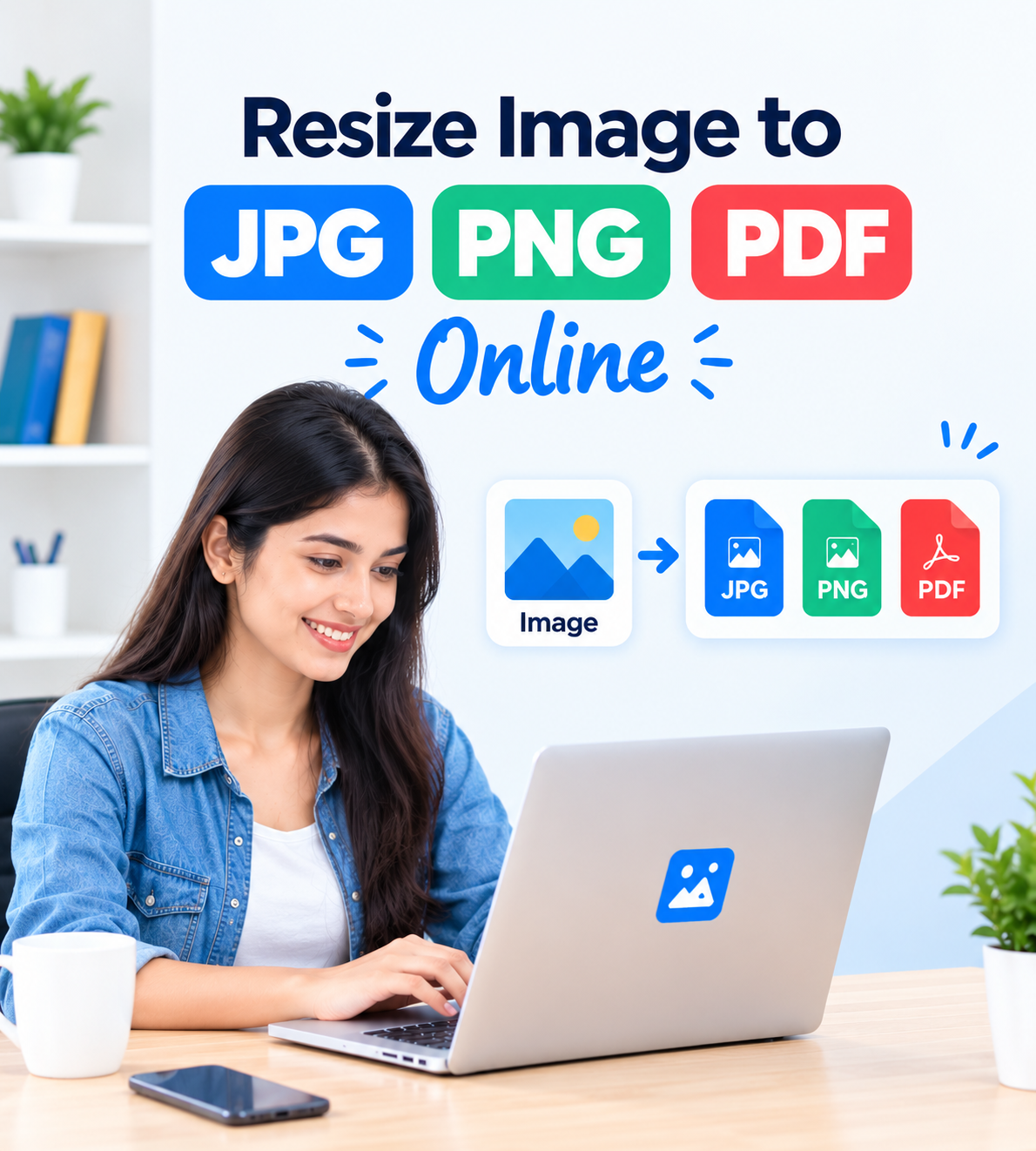
Resize Image to JPG PNG PDF Online
Need to change an image into JPG, PNG, or PDF format? PhotoKBSizePDF provides a simple online way to
Resize Image to JPG PNG PDF while also allowing you to adjust image dimensions and, where supported,
reduce the file size according to your requirement.
The tool can be useful for online forms, applications, documents, profile photos, scanned images, and everyday
file preparation. You can select the required output format, adjust width and height, and download the processed file.
Convert and Resize Images in Different Formats
JPG
Convert Image to JPG
JPG is commonly used for photographs and general-purpose images. It can provide a smaller file size,
although compression can affect image details depending on the selected quality.
PNG
Convert Image to PNG
PNG is useful when you need lossless image compression or transparency support. PNG files can sometimes
be larger than JPG files, especially for detailed photographs.
PDF
Convert Image to PDF
Converting an image to PDF can be useful for documents, forms, certificates, scanned pages, and files
that need to be shared as a document.
Resize Image in KB and Reduce Image File Size
Sometimes an online application requires an image to stay below a particular file-size limit such as 50KB,
100KB, 200KB, or another specified size. In such situations, you may need to
Resize Image in KB as well as adjust its dimensions.
Reducing dimensions and adjusting image quality can help reduce the final file size. The exact result depends
on the original image, its dimensions, format, details, and the selected settings.
If you need a dedicated tool for reducing an image to a specific size, you can also use our
Resize Image to 100KB
tool.
JPG vs PNG vs PDF – Which Format Should You Choose?
| Format |
Best For |
File Size |
Important Point |
| JPG |
Photographs and general images |
Usually smaller |
Compression can reduce image details |
| PNG |
Graphics, screenshots and transparency |
Can be larger |
Supports lossless compression and transparency |
| PDF |
Documents, forms and scanned pages |
Depends on content |
Useful when images need to be shared as a document |
For a general explanation of common image formats, you can also read
Wikipedia's overview of image file formats
.
How to Resize Image to JPG PNG PDF
1
Select Image
Upload the JPG, PNG, or other supported image that you want to process.
2
Choose Settings
Set the required width, height, output format, and other available options.
3
Resize & Convert
Start the process and allow the tool to prepare your selected output.
4
Download
Check the resulting file and download it to your device.
Why Use Our Image Converter?
Easy Online Process
JPG, PNG & PDF Options
Custom Image Dimensions
Works on Common Devices
The main advantage of an online image converter is convenience. Instead of installing separate desktop software
for every small image task, you can use the available options on PhotoKBSizePDF to prepare supported files online.
Always check the requirements of the website, application, examination form, or organization where you plan to
upload the final file. Required dimensions, file format, file size, and other specifications can vary.
More Image and PDF Tools
If you need another type of image or PDF operation, you can continue to the relevant PhotoKBSizePDF tool below.
These links are provided so visitors can easily move between related tools.
Understanding JPG, PNG and PDF Conversion
JPG to PNG
Converting JPG to PNG can be useful when you need a PNG file or require features such as transparency.
Conversion itself does not automatically restore details that were already lost in the original JPG.
PNG to JPG
PNG to JPG conversion can help when a website specifically accepts JPG files or when a smaller photographic
file is preferred. Transparency may not be retained when converting to JPG.
JPG to PDF
JPG to PDF conversion is useful for forms, scanned documents, certificates, photos, and other files that
need to be submitted or shared in PDF format.
Tips for Better Image Conversion Results
Use a Clear Original
Start with a reasonably clear image. Resizing a very small or blurry image cannot recreate details that
are not present in the original.
Check the Required Size
Before downloading, check the required dimensions and file-size limit mentioned by the website or application
where you will use the image.
Choose the Right Format
Use JPG for many photographs, PNG when transparency or lossless output is useful, and PDF when a document-style
file is required.
Useful Information About Search and Web Content
If you publish or manage a website, Google's documentation explains how search features and website content
can be understood by Google.
You can read the official
Google Search appearance documentation
for more information.
Frequently Asked Questions
How can I resize an image to JPG, PNG or PDF?
Upload your image, choose the required output format, set the available dimensions or other options,
process the file, and then download the resulting image or PDF.
Can I Resize Image to JPG PNG PDF online?
Yes. PhotoKBSizePDF provides an online tool that allows supported images to be resized and converted
into available JPG, PNG, or PDF output formats.
Can I resize an image in KB?
Yes, depending on the selected tool and available settings. Reducing image dimensions and adjusting
compression can help reduce the final file size. For a 100KB requirement, you can also use our
Resize Image to 100KB
tool.
What is the difference between JPG and PNG?
JPG generally uses lossy compression and is commonly used for photographs. PNG supports lossless
compression and transparency, making it useful for graphics, screenshots, and images requiring transparent areas.
Can I convert JPG to PDF?
Yes. You can select JPG images and use the PDF output option when available. JPG to PDF can be useful
for documents, forms, scanned pages, and image-based submissions.
Can I convert PNG to JPG?
Yes, if PNG is supported as an input format and JPG is available as the output format. Remember that
transparency may not be retained when converting a transparent PNG to JPG.
Will resizing always keep the original image quality?
Not necessarily. The final result depends on the original image, dimensions, output format, compression,
and selected settings. Reducing dimensions or file size significantly can affect visible details.
Which format is better for online applications?
It depends on the application's requirements. If the form asks for JPG, use JPG; if it specifically
requires PNG or PDF, select that format. Always follow the exact instructions given by the organization.
Can I use the image converter on a mobile phone?
The online tool is designed to be usable on common modern devices. On mobile, make sure your browser
allows you to select the image file from your device.
What should I check before uploading the final file?
Check the required file format, maximum file size, width, height, and any photo or document rules
specified by the website or organization where you will upload the file.
Conclusion
PhotoKBSizePDF provides a convenient way to resize and convert supported images into JPG, PNG, or PDF formats.
You can adjust image dimensions and use the available settings according to the requirements of your particular task.
If your main requirement is reducing the file size, you can also use
Compress Image in KB
.
For cropping, visit
Crop Image in KB
,
and if you need to combine several photos into one document, use
Merge Images to PDF
.
Before submitting any processed image or PDF, always compare the final file with the exact requirements
of the website, application, examination form, or organization where you plan to use it.